
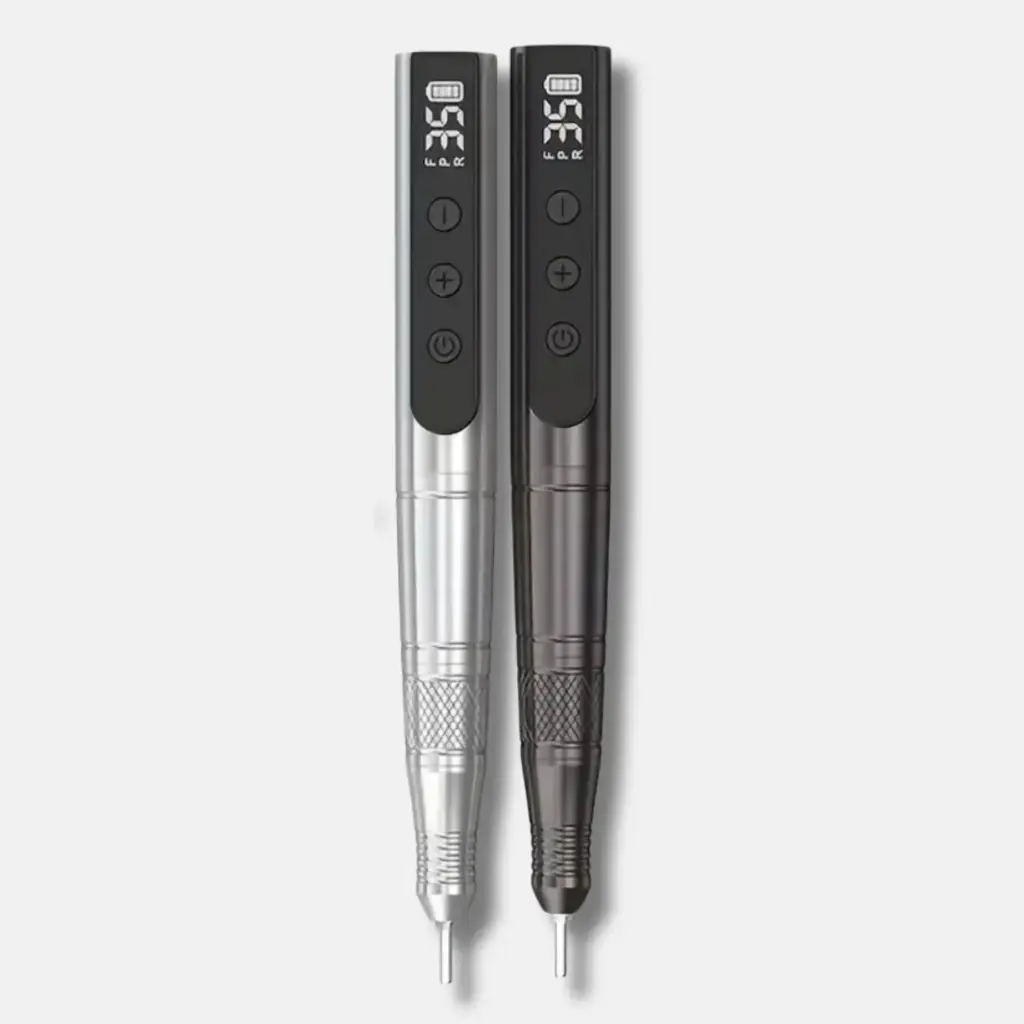
Description
Product Features:
- High-Performance: 36W power, 1100 mAh battery, up to 35,000 RPM for professional-grade performance.
- Dual Voltage: Supports both 110-120V and 220-240V for worldwide compatibility.
- Cordless Convenience: Portable and rechargeable with a Type-C USB interface for easy use anywhere.
- Smooth Operation: Low noise, low vibration, and efficient heat dissipation for a comfortable experience.
- LCD Display: Easily monitor speed and battery life for precise control.
- Ergonomic Design: Lightweight, anti-slip grip with a twist-lock system for quick and secure bit changes.
Usage
Powering On & Speed Adjustment
- Charge the Wireless Nail Drill Pro fully before first use using the provided USB-C or adapter charger.
- Press and hold the power button to turn the device on.
- Adjust the speed settings using the control dial or digital display (if applicable).
- Use the forward and reverse switch to change rotation direction for different hand positions.
Using Nail Drill Bits
- Insert the desired drill bit securely into the chuck before turning on the device.
- Start at a low speed and gradually increase as needed.
- Do not apply excessive pressure to avoid damaging nails or overheating the motor.
Charging the Device
- When the battery indicator shows low power, charge the drill using the included cable.
- Avoid using the drill while charging to prolong battery life.
Care
To keep your wireless nail drill in top condition and extend its lifespan, follow these care and maintenance tips:
1. Keep It Clean
- After each use, gently wipe down the handpiece and body using a soft, dry cloth or alcohol wipe.
- Avoid getting moisture or dust inside the drill bit area or charging port.
- Use a small brush to clean around the bit holder and ventilation openings.
2. Use Proper Bits
- Only use compatible, high-quality drill bits.
- Never force bits into the handpiece. Insert and remove them gently.
- Clean and disinfect bits after each use to maintain hygiene and performance.
3. Charge Properly
- Use only the original charger or recommended power source.
- Avoid overcharging. Unplug once fully charged to preserve battery health.
- Store and charge the device in a cool, dry place—away from heat or direct sunlight.
4. Avoid Overheating
- Do not run the drill continuously for long periods. Let it rest between uses.
- If it becomes hot or begins to vibrate unusually, turn it off and let it cool down.
- Ensure ventilation holes are not blocked during use.
5. Store Safely
- Store in a protective case when not in use to prevent damage or dust buildup.
- Keep out of reach of children and away from liquids or sharp objects.
6. Regular Maintenance
- Periodically check for loose parts, strange noises, or decreased power.
- If the handpiece or motor shows signs of malfunction, stop use and consult the manufacturer or a technician.
- Replace worn-out drill bits or accessories promptly.
By following these care instructions, you can maintain the performance, safety, and longevity of your wireless nail drill pro.